An invitation that opens.
An interactive invitation page at your own link — it opens itself in front of your guest, and carries their name if you sent it to them personally. Build it yourself in minutes, and change it whenever you like after it goes live.
What it does
Verbs, not adjectives.
A moment of opening
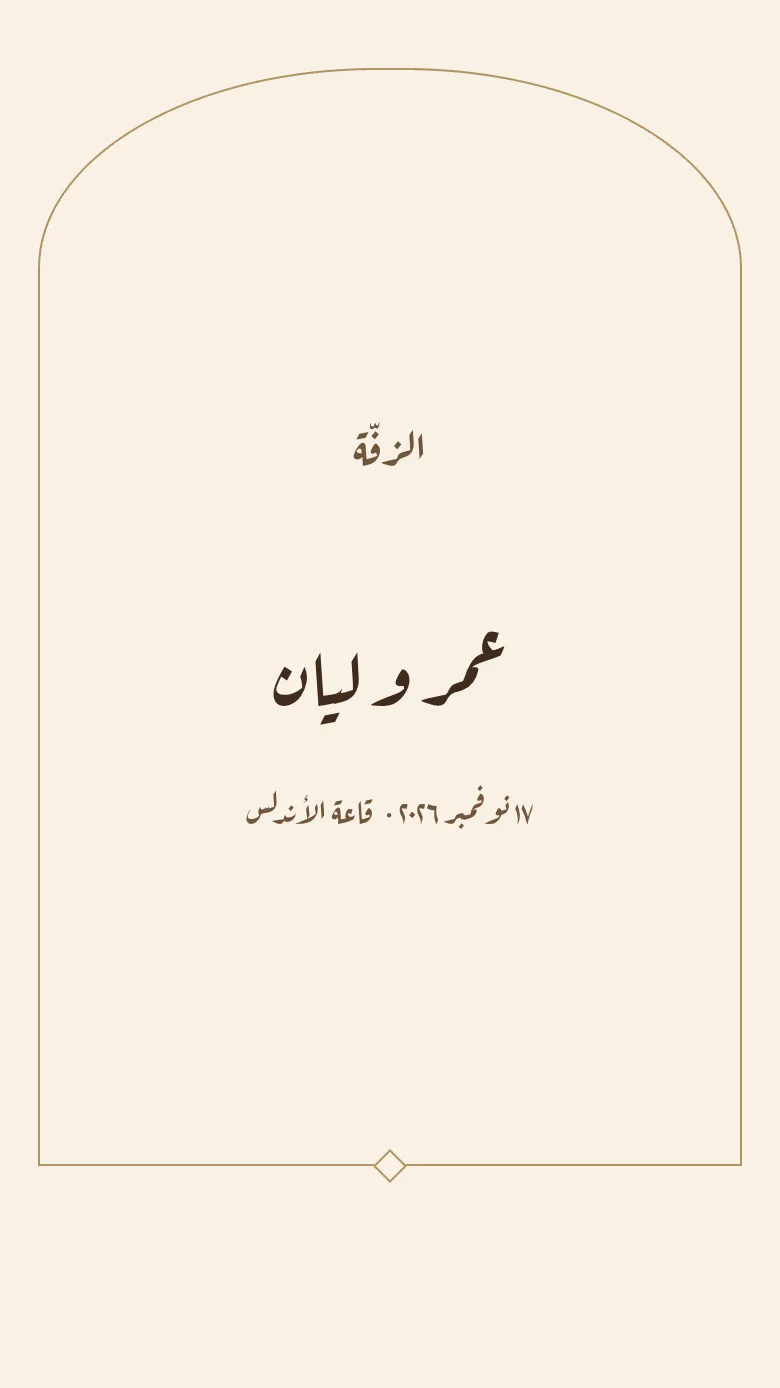
The invitation doesn’t just appear: something closed opens, then your names are drawn stroke by stroke. Seven different openings, depending on the template.
Sections you choose
Date & location · Families · Our story · Programme · Countdown · Dress code · Gifts · Gallery · Film. Add, remove, reorder.
Arabic and English
One language or both on a single page — Arabic carries the names and the blessing, English the numbers and the venue.
The venue, one tap away
Paste a Google Maps link and your guest gets an “Open in Maps” button that launches their phone’s map app.
Music
A song that begins with the opening touch — never on autoplay, so nobody is embarrassed in a quiet room.
QR code
Every invitation has a QR code, for printing on a card or showing on a screen.
How it runs, step by step.
- 01
Pick the occasion
One tap changes the wording, the sections and the RSVP questions.
- 02
Write the details
Names, date, venue, map link. That is all we ask for.
- 03
Browse the templates
Every one carries your real names while you browse — never a placeholder.
- 04
Publish
Preview it as a guest first, then take your link and QR code.
The invitation page questions
What hosts ask about.
- Yes, any time, and the link never changes. Anyone who opened it before sees the new version next time they open it.
- No. They open the link in their phone’s browser and reply. No sign-up, no app.
- Every animated template is available on every paid plan — and in the free preview.